 Free Download Canva Crash Course - Canva Basics from Start to Edit
Published 1/2026
MP4 |
Video: h264, 1920x1080 |
Audio: AAC, 44.1 KHz, 2 Ch
Language: English |
Duration: 45m |
Size: 645 MB
Canva basics for beginners covering how to start, use elements, format text, and edit designs with confidence
Master the Canva interface so you can easily navigate tools, menus, and features without feeling overwhelmed or stuck.
Create polished, professional designs by applying simple design principles that make your content look intentional and on-brand.
Work smarter in Canva by using essential tools, templates, and shortcuts to design faster and more efficiently.
Refine and improve your designs with ongoing feedback, tips, and guidance from the Canva Design Coach GPT.
RequirementsA Canva account - free or Pro, set up before the course begins.
Basic computer skills - comfortable using a web browser, clicking, typing, and navigating websites.
Internet access - a stable connection so you can use Canva's online platform smoothly.
Motivation to learn - willingness to try new tools and practice the steps shown.
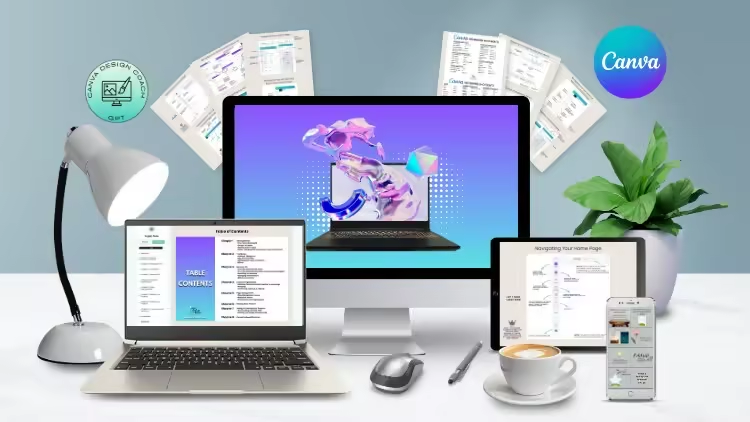
DescriptionA fast, friendly intro to designing with confidence. You'll learn the essentials of Canva, how to work smarter (not harder), and how to create polished graphics, posts, and digital products without feeling overwhelmed. Perfect for beginners or anyone who wants to finally get Canva and start creating with ease.Is this you:You feel like Canva has so many tools and you're not sure where to even start?Designing takes forever because you're guessing your way through every post and graphic?You are ready to learn Canva in a way that feels simple, practical, and easy to follow at your own pace?When You Enroll, You Will Get Instant Access To:8 Easy-to-Follow ChaptersEach chapter walks you through a specific part of Canva so you always know exactly what to do next. Everything is broken into small, digestible steps so you never feel lost.7 Instructional VideosWatch over my shoulder as I show you how to navigate Canva, design with intention, and create graphics you're proud of. Pause. Rewind. Rewatch anytime.Detailed Menu DiagramsNo more clicking around trying to find the right tool. These diagrams label everything so you can see instantly what each button does and where to find what you need.Practice Templates + MockupsYou learn design by doing. These templates give you hands-on practice so you can strengthen your skills and create real projects as you go.My Canva Design Coach GPTYour personal design coach in your pocket, 24/7. Ask questions. Get styling tips. Improve your layouts. Perfect for support between lessons or when you want feedback on your designs.By the end of this course, Canva will no longer feel confusing or overwhelming and will instead feel like a tool you confidently use to bring your ideas to life.Can you afford to not take this course?
Who this course is forThis course is designed for business owners, content creators, and beginners who want to confidently use Canva to create clean, professional designs without overwhelm or guesswork.
Homepagehttps://www.udemy.com/course/canva-crash-beginner/Recommend Download Link Hight Speed | Please Say Thanks Keep Topic Live
No Password - Links are Interchangeable

 Cantinho Satkeys
