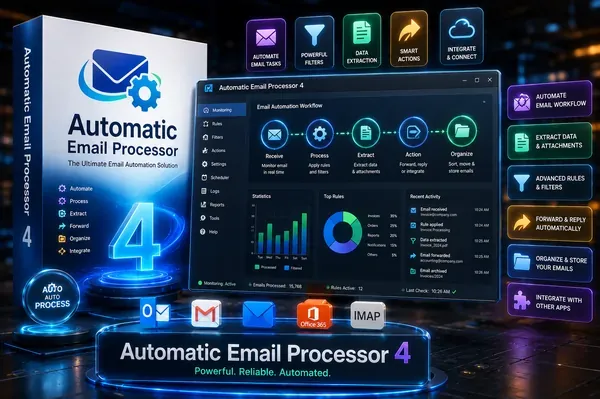
 Free Download Automatic Email Processor 4.2.5 | 86 MbAutomatic Email Processor
 is an Outlook automation utility designed to simplify the management of incoming email messages and attachments. It enables users to automatically organize, archive, print, and process emails based on customizable rules, helping reduce repetitive manual tasks while maintaining a structured mailbox.
Whether used by businesses handling customer communications or individuals managing high volumes of email, the software offers flexible rule-based automation for storing messages, extracting attachments, and performing follow-up actions. Its dynamic folder creation and filtering capabilities make it suitable for document archiving, workflow automation, and email record management.
Automatic Email Processor continuously monitors Microsoft Outlook folders and automatically executes user-defined actions whenever incoming messages match specified conditions. Rules can filter emails by sender, recipient, subject, attachments, date, and many other properties.
The application supports automatic email archiving in multiple formats including PDF, HTML, RTF, and the native Outlook MSG format. Attachments can be saved separately, detached from Outlook messages to reduce mailbox size, printed automatically, or processed by external applications. The software also supports processing previously received messages, making it suitable for both ongoing automation and historical email management.
Key Features- Monitor multiple Outlook folders simultaneously.
- Automatically save emails as PDF, MSG, HTML, or RTF files.
- Store attachments in dynamically generated folders.
- Automatically print emails and supported attachments.
- Filter messages by sender, recipient, subject, attachments, and other criteria.
- Extract or print files contained in ZIP archives.
- Execute external programs after processing emails or attachments.
- Move processed emails to other Outlook folders automatically.
- Detach saved attachments to reduce Outlook PST file size.
- Generate scheduled Excel reports with processing details.
- Limit automation to specific days and times.
- Re-process existing Outlook folders using defined rules.
Why Choose Automatic Email ProcessorAutomatic Email Processor helps automate repetitive Outlook tasks by combining flexible filtering with customizable processing rules. It can archive emails, organize attachments, print selected messages, and launch additional actions without requiring manual intervention.
Its ability to build storage locations dynamically from email properties and process both new and existing Outlook messages makes it useful for document management, compliance archiving, customer service workflows, and administrative environments.
System RequirementsOperating System: Windows 11, 10, 8, 7 or Server (32-bit or 64-bit version)
Frequently Asked QuestionsWhat is Automatic Email Processor used for?It automates Outlook tasks such as saving emails, archiving attachments, printing selected messages, and performing follow-up actions based on user-defined rules.
Can the software save emails as PDF files?Yes. Emails can be automatically archived as PDF files, and attachments or original MSG files may also be embedded when configured.
Can attachments be saved automatically?Yes. The application can automatically save all attachments or only those matching specified filters, while organizing them into dynamically generated folders.
Does it support processing existing Outlook emails?Yes. Rules can be applied not only to incoming messages but also to emails that already exist in Outlook folders.
Which Outlook items can be filtered?Rules can evaluate properties such as sender, recipient, subject, attachment information, and other message attributes before performing automated actions.
Home Pagehttps://gillmeister-software.com/
Product Information- Software Name: Automatic Email Processor
- Version: 4.2.5
- Languages: English
- License type: Full Version
- File Size: 86 Mb
Recommend Download Link Hight Speed | Please Say Thanks Keep Topic Live
Links are Interchangeable - No Password - Single Extraction

 Cantinho Satkeys
