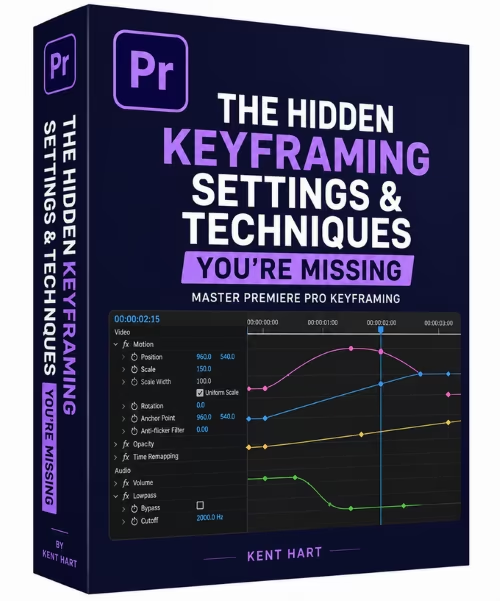
 Free Download The Hidden Keyframing Settings & Techniques You're Missing
Released 5/2026
MP4 |
Video: h264, 1280x720 |
Audio: AAC, 44.1 KHz, 2 Ch
Genre: eLearning |
Language: English |
Duration: 2h 3m |
Size: 209MB
If you've been editing in Premiere Pro and keyframing still feels like a mystery - or you've been doing it the slow, manual way - this class is for you. I've spent years editing video professionally and I'm sharing the exact settings and techniques I wish someone had shown me early on. These aren't just basics - some of what I cover you genuinely won't find in most tutorials.
Keyframing is one of the most powerful tools inside Adobe Premiere Pro - but most editors either avoid it or barely scratch the surface of what it can do. In this class, I'm pulling back the curtain on the settings, techniques, and workflows that most tutorials skip over.
Whether you're brand new to keyframing or you've been editing for a while and just want to level up your efficiency, this class is built to give you a complete foundation while showing you the hidden gems inside Premiere Pro that will make your editing life a whole lot easier.
Here's what we'll cover
Lesson 1 - What is Keyframing? We start from the ground up so you actually understand what's happening when you set a keyframe - not just how to do it, but why it works.
Lessons 2 & 3 - The Little Things Pt. 1 & 2: These two lessons are all about the settings inside Premiere Pro that most editors don't know exist. Small tweaks, big difference.
Lesson 4 - Keyframing Types: A breakdown of every keyframe type, what each one does, and when to use them.
Lesson 5 - Keyframing
Video: A practical demonstration of the different ways you can keyframe a video clip and the nuances that come with each approach.
Lesson 6 - Adding Motion Blur: Learn how to use the Shutter Angle property inside the Transform effect to add realistic motion blur to your edits.
Lesson 7 - Keyframing
Audio: A niche but powerful technique using the Lowpass effect to keyframe your audio in a way most editors have never tried.
Lesson 8 - Keyframing Color: I'll show you exactly where to find keyframing capabilities inside the Lumetri Color settings so you can start animating your color grades.
By the end of this class, you'll have a solid understanding of keyframing from top to bottom - and a handful of techniques you probably won't find anywhere else.
Homepagehttps://www.skillshare.com/en/classes/the-hidden-keyframing-settings-and-techniques-youre-missing/299082068?via=browseRecommend Download Link Hight Speed | Please Say Thanks Keep Topic Live
No Password - Links are Interchangeable

 Cantinho Satkeys
