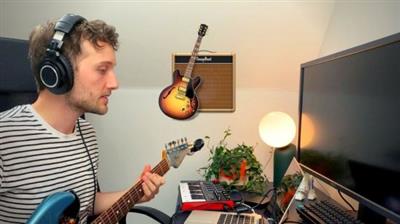
MP4 | Video: h264, 1280x720 | Audio: AAC, 44.1 KHz, 2 Ch
Genre: eLearning | Language: English + srt | Duration: 19 lectures (1h 46m) | Size: 1.8 GB
Music production made easy
What you'll learn:Learn how to record and produce music in Garageband.
Input Guitar, Microphones, live and virtual instruments.
How to Edit, Mix and Master your music projects and songs.
How to use EQ, Compression, Reverb and Effects.
Learn the anatomy of Garageband and how to access all the tools available in the program.
RequirementsA Mac with the latest Operating systems and updates.
If you are looking to record high-quality audio/live instruments you will need the relevant microphones, interfaces and equipment (mentioned in this course).
The latest version of Garageband (this usually comes free on Macs).
DescriptionBeginners Guide to GarageBand - Let's Write a Song
In this class, you'll learn everything you need to get started with Garageband for Mac.
I've broken all the lessons down into three main sections to keep things as simple as possible:
Anatomy - When you first open up Garageband it can seem very overwhelming with so many buttons and options. But fear not, we're going to break everything down in this first section! I'm going to guide you around the program so when you come to record you'll know exactly what to do.
Recording - Now that we know our way around the program it's time for the fun bit: writing and recording our song! We're going to learn about virtual instruments, recording guitars/vocals, Garageband's presets and loads of handy production tools.
Mixing and Mastering - We've got our song, now let's make it sound great. In this section, we'll be talking EQ, compression, plug-ins/effects and an introduction to mastering to complete our song.
By the end of this course, you'll have an in-depth understanding of Garageband and how to produce music.
I highly recommend listening to this course with headphones/good quality speakers. Some of the audio examples I present are going to be hard to hear through laptop or phone speakers.
Who this course is forBeginners to music production.
Anyone interested in learning how to use Garageband.
Download link:
Só visivel para registados e com resposta ao tópico.Only visible to registered and with a reply to the topic.Links are Interchangeable - No Password - Single Extraction

 Cantinho Satkeys
