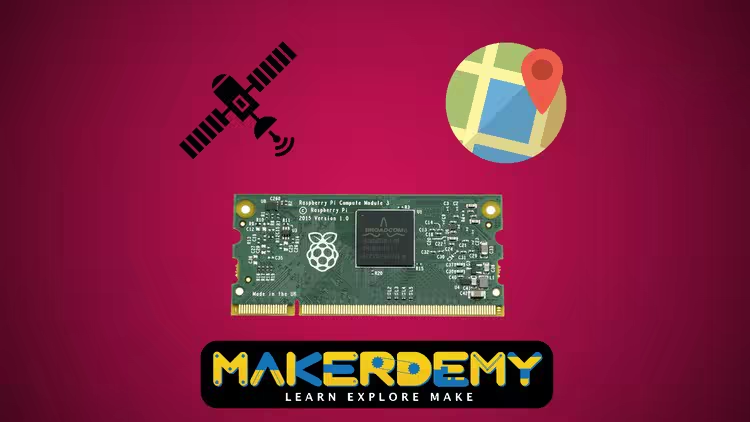
 Free Download Raspberry Pi compute module 3 - From Novice to Professional
Last updated 11/2018
MP4 |
Video: h264, 1280x720 |
Audio: AAC, 44.1 KHz, 2 Ch
Language: English |
Duration: 2h 56m |
Size: 894.63 MB
Get up and running with compute module 3 and learn step by step to build a real-time vehicle monitoring system
Install the different version of the Raspbian operating system in the Raspberry Pi compute module 3
Use the Raspberry Pi Compute Module 3 as a full-fledged computer
Assign static IP address in the newer version of the Raspbian OS
Exchange files remotely using Filezilla
Remotely access the terminal and the graphical user interface
Fetch the GPS raw data from the GPS module and parse as per your requirement
Visualize the real-time movement of the vehicle by streaming the data to an online dashboard
Learn how to implement IoT and harness the power of Raspberry Pi compute module 3
RequirementsBasic knowledge of Linux commands and Python programming
Raspberry Pi compute module 3 Development kit
DescriptionIn this course, I will help you to explore Raspberry Pi compute module 3 in detail. You will learn how compute module 3 is superior to all the different versions of Raspberry Pi.
The course requires basic knowledge of Linux commands and Python programming. If you are new to Raspberry Pi, I would recommend you to enroll in my previous course "Introduction to Raspberry Pi," which is also available on Udemy.
In this course, I will guide you on how to connect your keyboard and monitor with Compute Module 3 and use it as a full-fledged computer. Once you are up and running with Compute Module 3, you will also learn how to remotely control the compute module 3 and exchange files wirelessly via internet.
The Raspberry Pi Foundation released a long-awaited version of their Raspberry Pi Compute Module 3. The great news is that you get 4GB storage, 1GB memory and the same processor as the Raspberry Pi 3 for $30. This means that it now becomes a real solution for anybody wanting to build the industrial and IoT-based project.
Compared to Raspberry Pi 3, the compute module has more GPIO pins for interfacing different set of sensors. The default IO board of compute module comes with four ports which can connect dual camera and display.
In the remote vehicle monitoring project, you will learn how compute module 3 is actually implemented in real time and displays the data with high precision and accuracy. You will also see how the graphics rendering is different in compute module 3 and the Raspberry Pi 3 respectively.
The entire project will be discussed step by step along with real-time demonstration of the output.
I will also share the source code so that you can replicate the project on your own.
If you face any technical issue during the development process, please post your query in the udemy discussion forum or write directly to me at
mailto:satyajeet@makerdemy.com.
I will get back to you within one business day.
Who this course is forAnyone who wants to explore Raspberry Pi compute module 3 as a full-fledged Linux based computer
Hobbyist or developers who wants to build real-time IoT based project
Anyone who wants to build vehicle monitoring system and implement in real time
Anyone who wants precise output without lag
Recommend Download Link Hight Speed | Please Say Thanks Keep Topic Live
No Password - Links are Interchangeable

 Cantinho Satkeys
