 Free Download Formatting, Printing and Reporting with Primavera P6 PPM
Last updated 7/2024
MP4 |
Video: h264, 1920x1080 |
Audio: AAC, 44.1 KHz, 2 Ch
Language: English |
Duration: 2h 58m |
Size: 2.55 GB
This course was updated in 2024 and covers P6 Version 8 to 23 and explains the differences between the versions.
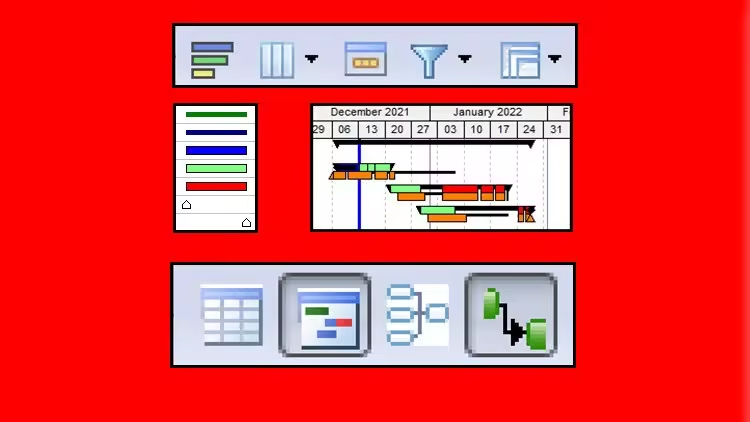
This course was updated in 2024 to Version 23 and covers how to format, print and run reports with Oracle Primavera Project Manager P6 PPM Professional Client.
- Layouts and Filtering covereded in Formatting
- Printing from within P6 and Visualizer.
RequirementsThe ability to use a personal computer and understand the fundamentals of the operating system.
Experience using application software such as Microsoft Office.
An understanding of how projects are planned, scheduled and controlled, including understanding the project management processes applicable to your projects.
Access to a computer with Oracle Primavera P6 loaded.
DescriptionABOUT THE COURSEThis course aims to teach participants:FORMATTING THE DISPLAYFormatting the Project Window Understanding Forms Formatting the Bars Progress Line Display on the Gantt Chart Formatting Columns Row Height and Show Icon Format Timescale Inserting Attachments - Text Boxes and Curtain Format Fonts and Font Colors Format Colors Line NumbersGROUP, SORT AND LAYOUTS Group, Sort and LayoutsGroup and Sort Activities Understanding Layouts Copying a Layout To and From Another Database FILTERS Understanding Filters Applying a Filter Creating and Modifying a Filter Activity Critical Path VisibilityOTHER METHODS OF ORGANIZING PROJECT DATAUnderstanding Project Breakdown Structures Activity Codes User Defined Fields WBS Category or Project Phase Resource Codes Cost Accounts Owner Activity Attribute Assignment Codes Role Codes GLOBAL CHANGE Introducing Global Change The Basic Concepts of Global Change Specifying the Change Statements Examples of Simple Global Changes Selecting the Activities for the Global Change Duration Calculations with Global Change (Any of the following) and (All of the following) Temporary Values Global Change Functions More Advanced Examples of Global Change The following people should consider attending this course:Programme Managers and Project Control staff evaluating the software against your organisational
requirements.Project schedulers who wish to learn how to use the software to schedule and control projects.Database managers who wish to understand how to set up and administer a database.Experienced project personal who wish to learn how to schedule and control a project.Students should have:The ability to use a personal computer and understand the fundamentals of the operating system,Experience using application software such as Microsoft Office andAn understanding of how projects are planned, scheduled and controlled, including understanding the project management processes applicable to your projects.ABOUT THE AUTHORPaul Harris holds an Honours Degree in Civil Engineering obtained in the UK and is a Certified Cost Engineer through AACEI International, a PRINCE2 Registered Practitioner and a "Managing Successful Programmes" Registered Practitioner. He has worked in the project controls industry for a number of years and has assisted many companies in a range of industries to set up and run project controls systems. His Melbourne, Australia based company, Eastwood Harris Pty Ltd, offers project controls consulting and training services world wide with a strong focus on Microsoft Project and Primavera software.
Who this course is forProgramme Managers and Project Control staff evaluating the software against your organisational
requirements.
Project schedulers who wish to learn how to use the software to schedule and control projects.
Database managers who wish to understand how to set up and administer a database.
Experienced project personal who wish to learn how to schedule and control a project.
Homepagehttps://www.udemy.com/course/formatting-printing-and-reporting-with-primavera-p6-ppm/Recommend Download Link Hight Speed | Please Say Thanks Keep Topic Live
No Password - Links are Interchangeable

 Cantinho Satkeys
