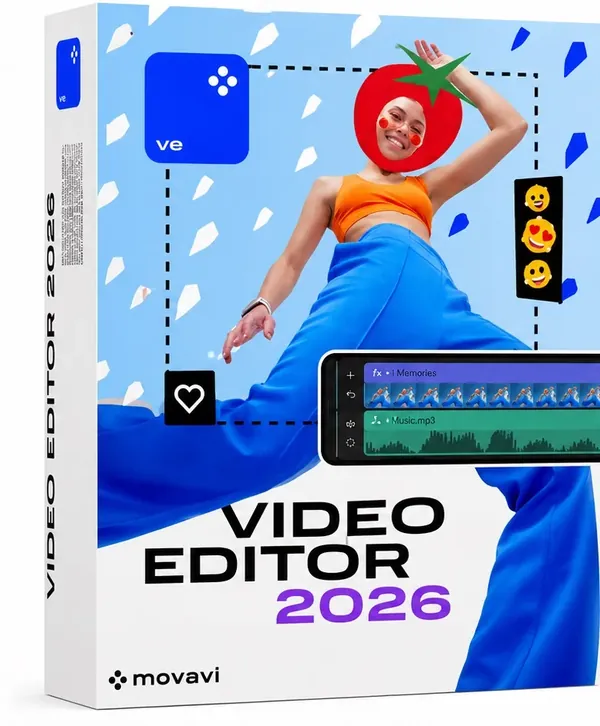
 Free Download Movavi Video Editor 26.20.0 (x64) Multilingual | 117.4 MbMovavi Video Editor
 is video editing software designed for creating and enhancing videos through an intuitive interface. It provides essential editing tools for trimming, combining, improving, and customizing video projects without requiring advanced editing experience.
The software is suitable for content creators, students, educators, marketers, and everyday users who need practical tools for producing polished videos. It combines timeline editing, audio processing, visual effects, text tools, and automated features in a single workspace.
With support for modern video formats and features such as motion tracking, chroma key, and AI-assisted processing, Movavi Video Editor helps users create videos for personal projects, online content, and professional presentations.
Movavi Video Editor provides a complete environment for editing video and audio content. Users can cut and arrange clips, merge multiple recordings, adjust playback speed, apply transitions, and enhance projects with visual effects.
The software includes tools for audio editing, allowing users to add background music, record voiceovers, reduce unwanted noise, and synchronize sound with video. Its timeline-based workflow makes it easy to manage different media elements within a project.
Movavi Video Editor also includes automated tools such as AI background removal, AI noise reduction, AI motion tracking, and AI upscaling features in supported versions.
Key Features- Trim, cut, split, and merge video clips
- Rotate, crop, reverse, and adjust video playback speed
- Add background music and record voiceovers
- Remove unwanted audio noise and synchronize sound with video
- Apply filters, transitions, overlays, and animated stickers
- Support motion tracking and Chroma Key green screen editing
- Create animated titles and subtitles with customizable text styles
- Use AI-powered background removal, noise reduction, and motion tracking tools
- Adjust brightness, contrast, saturation, and white balance
- Support LUT-based color correction
- Export videos to MP4, AVI, MOV, MKV, and WMV formats
- Upload videos directly to YouTube
Why Choose Movavi Video EditorMovavi Video Editor is designed for users who want accessible video editing tools with a straightforward workflow. Its combination of essential editing features and automated processing tools makes it suitable for beginners and creators who need efficient project production.
The software provides a balanced set of editing, audio, visual effects, and export functions for creating videos across different types of content platforms.
System RequirementsWindows operating system
64-bit processor required
Frequently Asked QuestionsWhat is Movavi Video Editor used for?Movavi Video Editor is used for creating and editing videos with tools for cutting, combining clips, adding effects, editing audio, and exporting finished projects.
Can Movavi Video Editor edit 4K videos?Yes. The software supports 4K video editing.
Does Movavi Video Editor include AI features?Yes. Supported versions include AI-based tools such as background removal, noise reduction, motion tracking, and upscaling.
Which video formats can be exported?Movavi Video Editor supports exporting videos in formats including MP4, AVI, MOV, MKV, and WMV.
Home Pagehttps://www.movavi.com/
Product Information- Software Name: Movavi Video Editor
- Version: 26.20.0
- Architecture: x64
- Languages: Multilingual
- License type: Full Version
- File Size: 117.4 Mb
Recommend Download Link Hight Speed | Please Say Thanks Keep Topic Live
Links are Interchangeable - No Password - Single Extraction

 Cantinho Satkeys
