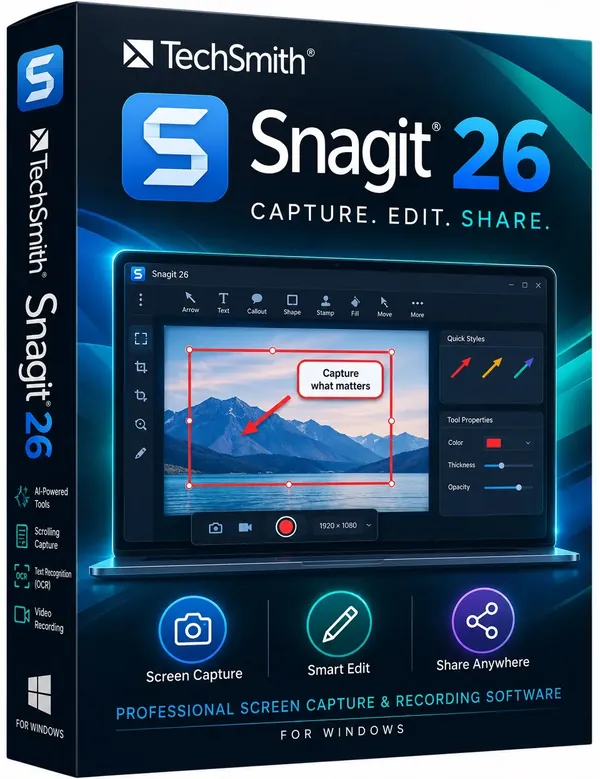
 Free Download TechSmith Snagit 26.3.1.11825 (x64) Multilingual | 408.9 MbTechSmith Snagit
 is a screen capture and recording application designed to help users capture, edit, and share visual content. It provides tools for creating screenshots, recording videos, adding annotations, and preparing visual materials for communication and documentation.
The software is widely used by professionals, educators, technical teams, and content creators who need a reliable way to explain processes, create tutorials, or document information from their computer screen.
TechSmith Snagit provides a complete workflow for capturing and editing screen content. Users can capture full screens, selected areas, scrolling pages, application windows, and record screen activity together with camera and audio input.
The built-in editor includes annotation tools, templates, text recognition, and visual editing features that help transform captures into clear and organized content. The Library feature helps users manage screenshots and recordings by organizing files with tags, filters, and synchronization options.
Key Features- Capture full screen, selected areas, windows, and scrolling content.
- Record screen activity with webcam and audio support.
- Built-in editor with templates and annotation tools.
- Recognize and edit text inside captured images.
- Create simplified user interface graphics from screenshots.
- Organize captures with Library management tools.
- Filter and sort captures by date, file type, and application.
- Sync content with services such as Google Drive and OneDrive.
- Create custom presets and keyboard shortcuts.
Why Choose TechSmith SnagitTechSmith Snagit provides a practical solution for users who regularly create screenshots, tutorials, documentation, and training materials. Its combination of capture tools and editing features allows users to prepare visual content without requiring separate applications.
The software is suitable for business communication, software training, technical support, education, and personal productivity workflows.
System Requirements- Microsoft Windows 11, Windows 10, Windows Server 2016, or Windows Server 2019
- Windows N requires the Media Foundation Pack
- .NET 4.7.2 or later
- WebView2 Runtime (included with .exe)
- 64-bit 2.4 GHz single core processor (minimum)
- 4 GB of RAM
- 1.5 GB of hard-disk space for program installation
Frequently Asked QuestionsWhat is TechSmith Snagit used for?TechSmith Snagit is used for capturing screenshots, recording screens, and creating visual documentation.
Can Snagit record screen videos?Yes, Snagit can record all or part of the screen with camera and audio support.
Does Snagit include an image editor?Yes, Snagit includes built-in editing tools for annotations, templates, and visual improvements.
Home Pagehttps://www.techsmith.com/
Product Information- Software Name: TechSmith Snagit
- Version: 26.3.1.11825
- Architecture: x64
- Languages: Multilingual
- License type: Full Version
- File Size: 408.9 Mb
Recommend Download Link Hight Speed | Please Say Thanks Keep Topic Live
Links are Interchangeable - No Password - Single Extraction

 Cantinho Satkeys
