MP4 | Video: h264, 1920x1080 | Audio: AAC, 44.1 KHz, 2 Ch
Difficulty: Beginner | Genre: eLearning | Language: English | Duration: 30 Lessons (4h 25m) | Size: 3.33 GB
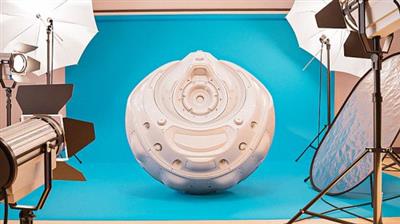
In this course about the fundamentals of digital lighting, we're going to look at how light works, how it's simulated in Blender's Cycles and Eevee, and how you can use it to make your renders look amazing.
Lighting can make or break our renders
If you've already modeled an object, the next step is to show it off! Just like a photographer choosing which qualities of a subject to emphasize, your task with lighting is to bring out the best in whatever it is that you've created. In this course about the fundamentals of digital lighting, we're going to look at how light works, how it's simulated in Blender, and how you can use it to make your projects look amazing.
We'll start off in Cycles and talk about all the main properties of light objects and environment lights and how to tweak them to get the results you want. Along the way, you'll learn important concepts about path tracing and how light works in general, which will help you create any lighting effect on your own.
From there we'll switch over to Eevee and demystify what's going on with shadows, environments, and bounce lighting during rasterization, so you can get as close to Cycles quality as possible without the extra headache.
Lastly, we'll look at how to take your lighting from good to great by talking about best practices and a few tricks that can instantly transform a render from "ok but kinda boring" to jumping right out of the screen.
Whether you're brand new to Blender or a pro that just needs a refresher to up your lighting game, I made this course for you. Head over to the first lesson to get started!
Screenshots
Download link:
Só visivel para registados e com resposta ao tópico.Only visible to registered and with a reply to the topic.Links are Interchangeable - No Password - Single Extraction

 Cantinho Satkeys
