 HyperSnap 10.0.1 (x64) | Size: 17.43 MB
Language: English
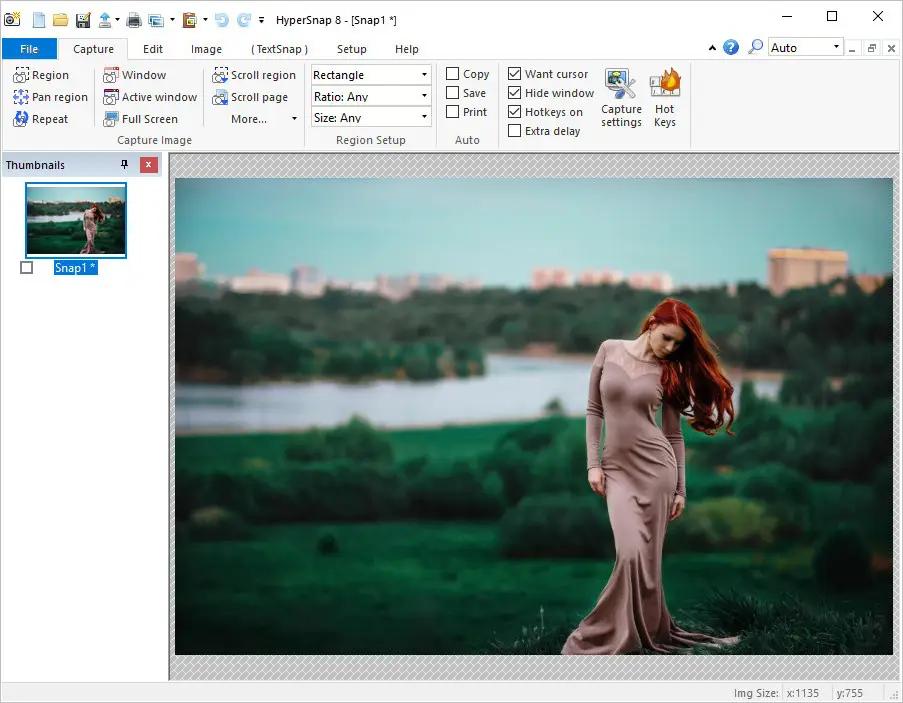
HyperSnap is the fastest and easiest way to take screen captures from Windows screen and full screen games, and text capture (TextSnap) from places where normal text copy is not possible. HyperSnap combines the power of a first-class screen capture application with an advanced image editing utility - wrapped into one easy-to-use tool!
It's perfect for capturing images that you want to include in your Help system, online tutorials, manuals, training handouts, presentations, marketing materials, Web pages, emails and more. Captures screens from full-screen games using DirectX/Direct3D technology. Use HyperSnap to quickly share a picture-perfect representation of anything on your screen.
HyperSnap is versatile and extremely easy-to-use. You can quickly customize menus and toolbars to fit your needs. Assign your own keyboard shortcuts, create instant toolbars, and even control HyperSnap with voice commands!
Top Features:
Image captures from any where on the screen or multiple monitors, in any shape or size.
New & powerful image capture, editing, annotation and manipulation tools. Objects drawn over images can now be selected, edited, shown and hidden, moved, deleted any time. A new native file format saves the objects drawn for further editing later, or save a standard image and have the object "imprinted" permanently on them.
Unlimited undo/redo.
Capture dropdown menus and lists with hotkey feature or delayed capture.
Image stamps, frames, drop shadow, free-hand capture, FTP server uploads, more.
Automatic color substitution.
Non-rectangular window capture.
Button Capture - perfect for professional technical writers who need to snap and document dozens of buttons!
Auto-scrolls and concurrently captures long web pages and other. documents, enabling it to grab more than is visible on the screen.
Tightly integrates with the MS Windows clipboard to automate repetitive tasks - will even automatically PASTE capture images where needed!
Automatically saves your captures to graphics files.
Doubles as effective image viewer, format converter (over 20 image formats supported).
Fully customizable user interface. Rearrange menus and toolbars any way you want, assign any keyboard shortcuts you like, tear off menus to create instant toolbars, even control HyperSnap with voice commands!
System requirements:Windows 10 and higher (32 and 64-bit)
HOMEPAGE: Code:
http://www.hyperionics.com/
DOWNLOAD LINKS:
https://rapidgator.net/file/3033520938fc9fb7c0281db6e1726329/HyperSnap_10.0.1_x64.rar.html
https://nitroflare.com/view/D3C5984E4FEFE42/HyperSnap_10.0.1_x64.rar

 Cantinho Satkeys
