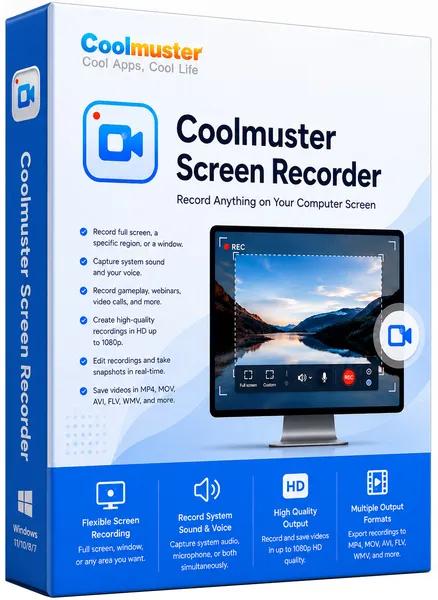
 Coolmuster Screen Recorder 1.1.68 Multilingual | Size: 45.41 MB
Language: English
Coolmuster Screen Recorder is a lightweight, 2-in-1 Windows software designed for private, high-definition screen recording and screenshot capturing. It allows users to record full screens, specific application windows, or custom regions directly to their local drive in HD MP4 format.
2-in-1 Screen Recording & Capture for Windows
- Record full screen or custom regions and save videos as MP4 in HD quality.
- Capture system audio, microphone, or neither while recording your screen.
- No time limit, no watermark after registration, lossless image quality, lightweight and lag-free.
-
Screenshots full screen or region, edit with shapes/text, save as PNG/JPEG/BMP.
- Keep everything private with 100% local processing - no uploads, no cloud, no external servers.
Why Should You Choose Coolmuster Screen Recorder?
Record Video in HD Quality - Full Screen or Any Region
Capture your entire desktop or just a custom area. Save as MP4 in crystal-clear HD quality - no watermark after registration, no time limit, and no lag
- Smart Area Selector: Drag to select any region with real-time pixel dimensions - get exactly what you need without extra editing.
- Flexible Recording Modes: Record full screen, a specific app window, or a custom region. Unlimited recording sessions.
- Lightweight & Reliable: Smooth high-resolution recording with minimal system impact - even on modest hardware.
Choose Your Audio Source - System Sound or Mic
Decide which audio to include. Record either system sound (game, video playback) or your voice - never both, for clean and focused audio
- Single-Source Audio: Pick system sound only for gameplay captures, or microphone only for voiceover tutorials. No interference.
- Flexible Options: Also choose no audio at all for silent demos or privacy-sensitive recordings.
Take & Edit
Screenshotss - Full Screen or Custom Region
Capture anything on your screen and enhance it instantly. Save as PNG, JPEG, or BMP - all with lossless quality
- Easy
Screenshots Capture: Grab full screen or drag a custom region. Real-time pixel dimensions help you frame perfectly.
- Built-in Editing Tools: Add boxes, circles, arrows, lines, or text to highlight key areas before saving.
- Multiple Formats: Export as PNG, JPG/JPEG, or BMP - whatever suits your workflow.
100% Private - Local Processing, No Uploads
Everything stays on your computer. Your recordings, screenshots, and data never leave your device - no cloud, no external servers
- Local-Only Processing: All recording and editing happens directly on your Windows PC. Total privacy guaranteed.
- Full Ownership: You keep complete control of every file from start to finish. No third-party access, no unexpected sharing.
- One-Click Simplicity: Start or stop recording with a single click. A handy toolbar keeps controls accessible without interrupting your work.
System Requirements: Windows 11/10/8/7 (x64 bit only)
DOWNLOAD LINKS:
https://rapidgator.net/file/9c1ba67d70c758889d2d5fc6f96ab4c5/Coolmuster_Screen_Recorder_1.1.68_Multilingual.rar.html
https://nitroflare.com/view/ECAEB095B081F90/Coolmuster_Screen_Recorder_1.1.68_Multilingual.rar

 Cantinho Satkeys
